
Projects & Agent Assets
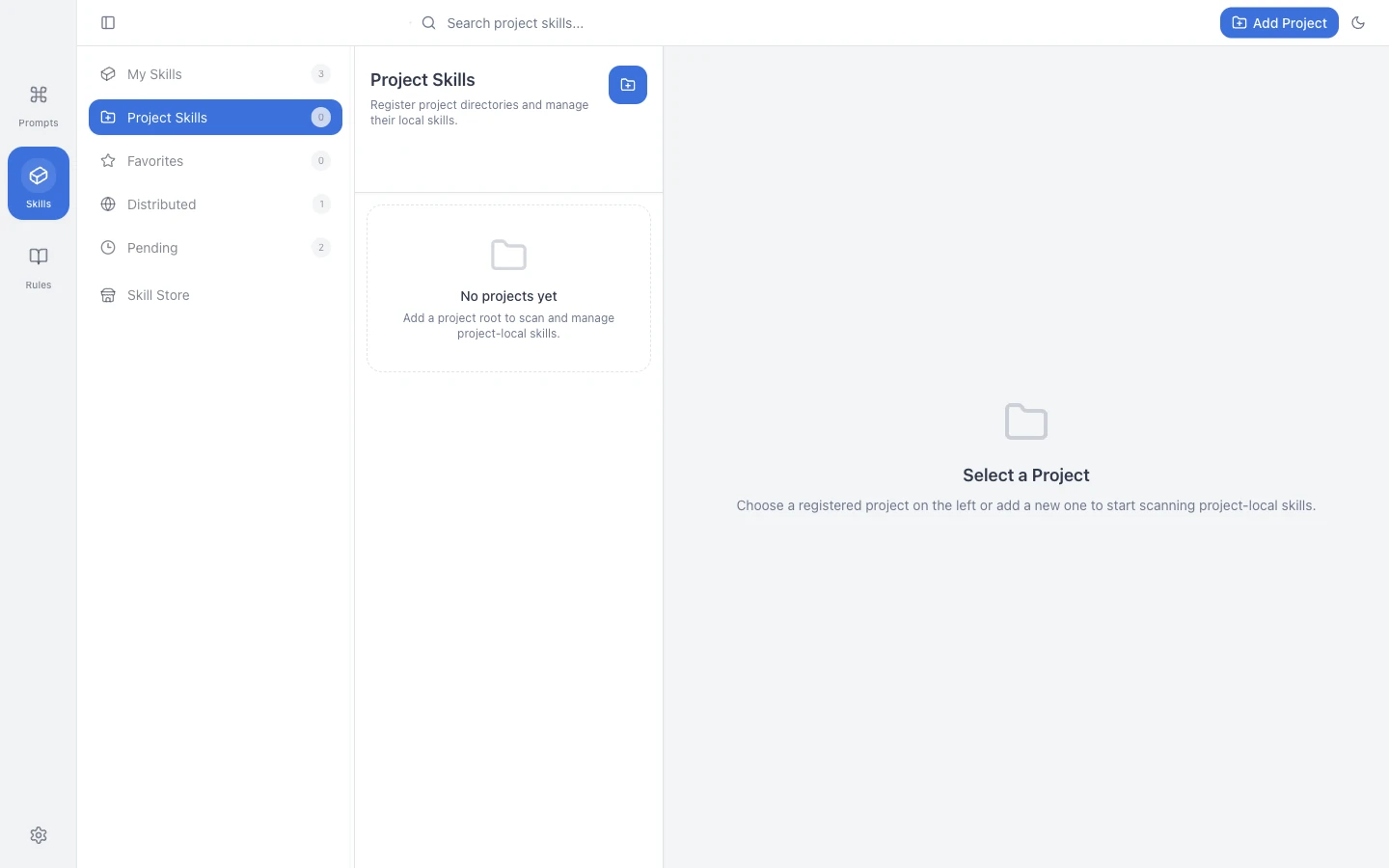
AI coding tools place project instructions in files such as AGENTS.md, CLAUDE.md, and directories such as .agents/skills. PromptHub can scan a project and show its skills, rules, and supported tool configuration in one workspace.
What Belongs Here
Section titled “What Belongs Here”- Skills used only by one project.
- Project instruction files such as
AGENTS.md,CLAUDE.md, orGEMINI.md. - Supported configuration for the AI coding tools used by the repository.
- Team conventions that should be reviewed together with code.
Directories to Scan
Section titled “Directories to Scan”PromptHub recognizes common locations such as:
.claude/skills.agents/skillsskills.gemini/skills- Other configured platform directories
After a scan, you can preview project skills and import reusable ones into My Skills.
Import Modes
Section titled “Import Modes”| Mode | Use It When |
|---|---|
| Copy | You want an independent snapshot of the current files |
| Link | The project and personal library should reference the same source |
Choose copy when you are unsure. Use a link only when the path is stable and edits should intentionally affect every reference.
Put a Personal Skill in a Project
Section titled “Put a Personal Skill in a Project”When a project needs a standard review, testing, or release skill, choose it from My Skills and install it into a project target. The default is commonly .agents/skills, while platform-specific targets can use their own configured directories.
Practical Advice
Section titled “Practical Advice”- Keep project-only instructions in the repository, not in a global library.
- Move a skill to My Skills only when it is genuinely reusable.
- Review project rules and skills in version control with the rest of the code.
- Never place secrets, customer data, or temporary chat content in project instructions.